


When it comes to securing your online accounts, especially in blockchain and crypto, two-factor authentication isn't optional-it's the bare minimum. But not all 2FA is created equal. You’ve probably heard about hardware keys and software authenticators, but which one actually keeps your funds and identity safer? Let’s cut through the noise and show you exactly how they differ, what they’re really protecting you from, and which one makes sense for your situation.
How Hardware 2FA Keys Work
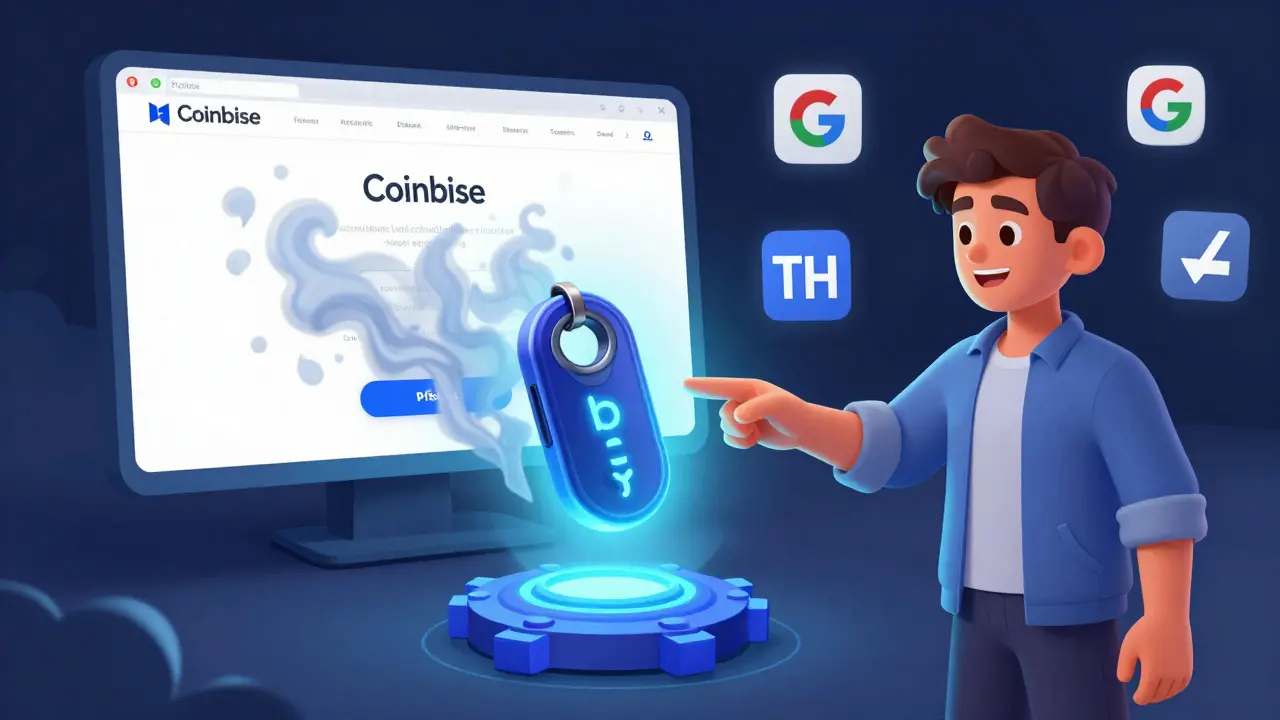
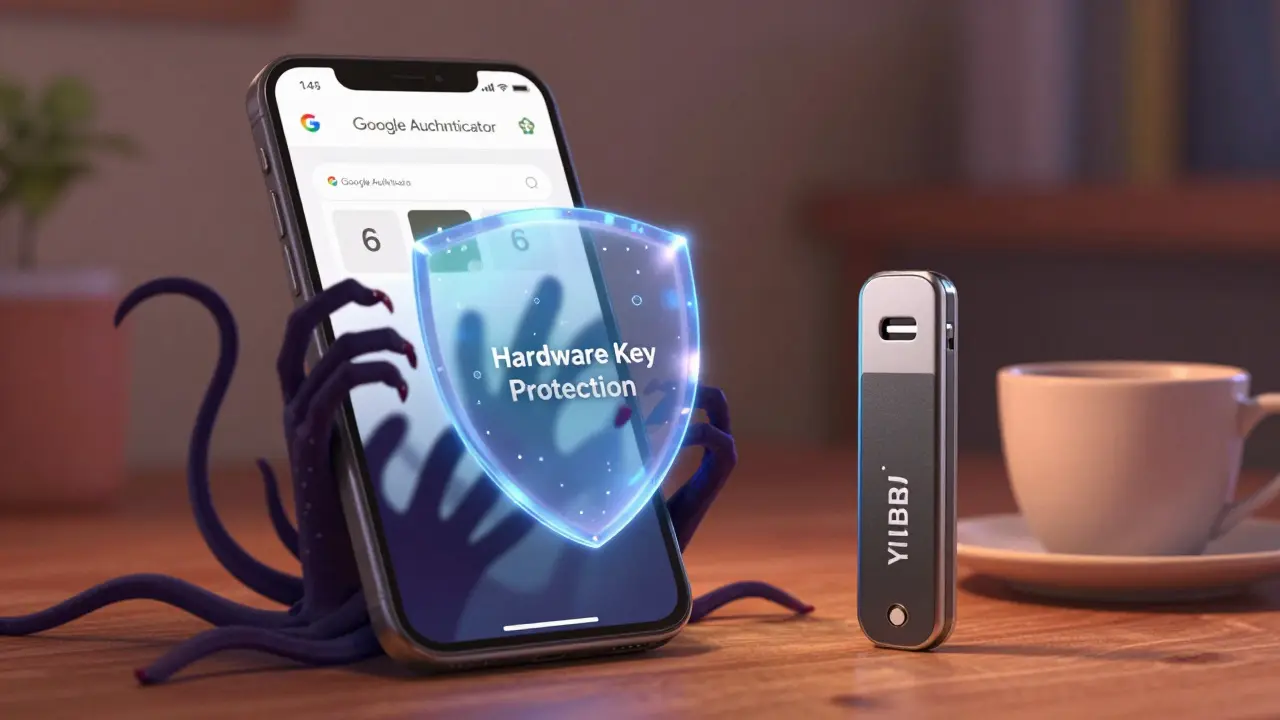
Hardware 2FA keys are small physical devices-like a USB stick or a keychain fob-that do something simple but powerful: they generate cryptographic signatures when you plug them in or tap them. These aren’t just random codes. They use public-key cryptography, meaning each service you register with gets its own unique pair of keys: one public (stored on the server) and one private (locked inside the hardware device). The private key never leaves the key. Not even once.
This is why hardware keys are phishing-proof. If someone tricks you into typing your password on a fake login page, the key won’t respond. It only talks to the real website-because it checks the domain name before doing anything. If you’re on fake-binance.com, the key stays silent. If you’re on binance.com, it unlocks your account with a single tap. No code to type. No app to open. Just touch and go.
Standards like U2F and WebAuthn make this possible. Major platforms like Google, GitHub, Coinbase, and Ledger support these keys. You don’t need a special phone or OS-just a browser and a USB port (or NFC on newer models). A YubiKey 5 or Feitian key costs between $20 and $80. That’s a one-time price. No subscriptions. No app updates. Just a device that lasts years.
How Software Authenticators Work
Software authenticators-like Google Authenticator, Microsoft Authenticator, or Authy-are apps on your phone that generate time-based one-time passwords (TOTP). They work by syncing a secret key with the service you’re securing. Every 30 seconds, the app calculates a new 6-digit code using that key and the current time. You enter it when logging in. Simple.
The big win here is convenience. You can have dozens of accounts in one app. If you switch phones, you can back up and restore your codes (if the app supports it). You don’t need to carry extra hardware. Most people already have their phone with them, so it’s easy to use.
But here’s the catch: your phone is not a vault. If it gets stolen, infected with malware, or compromised through a SIM swap, your TOTP codes are at risk. Malware can screenshot your screen, steal clipboard data, or even auto-fill login pages with your codes. Social engineers can trick you into giving up your backup codes. Even if your phone is locked, someone with physical access can often bypass the lock screen using exploits or factory resets.
Security: The Real Difference
Let’s be blunt: hardware keys win on security. Every expert group-from the EFF to NIST-recommends them as the gold standard. Why? Because they remove the weakest link: the digital device.
Software authenticators rely on a shared secret. If that secret is stolen-through a compromised phone, a hacked cloud backup, or a phishing attack that tricks you into entering your code-the attacker can generate valid codes forever. No physical access needed.
Hardware keys don’t store secrets. They store cryptographic keys that are impossible to extract. Even if someone has your key, they can’t clone it. They’d need to physically steal it and then bypass its tamper-resistant chip-something that requires lab equipment, not a sketchy app.
And here’s something most people miss: hardware keys protect you even if your password is already stolen. If you use a password manager and your vault gets leaked, the attacker still can’t log in without the key. With TOTP, if your phone is infected, they can generate the code themselves. No need to steal the key.
Convenience vs. Risk
Convenience is why software authenticators dominate. Over 90% of people using 2FA today rely on phone apps. Why? Because it’s free, already on your phone, and easy to set up. Scanning a QR code takes 10 seconds. Buying a hardware key, figuring out compatibility, and registering it across 10 services? That’s a 30-minute chore.
But convenience has a cost. If you’re holding Bitcoin, Ethereum, or any crypto asset worth more than a few hundred dollars, your phone isn’t enough. You’re not just protecting an email-you’re protecting digital wealth. And digital wealth attracts real-world attacks.
Hardware keys require a small shift in behavior. You need to carry them. You need backups. If you lose your key and didn’t set up a secondary method, you could be locked out. That’s why most serious users keep two keys-one in their wallet, one in a safe. It’s not paranoia. It’s insurance.
Software users, on the other hand, often skip backups entirely. They assume their phone is safe. When it isn’t, they’re stuck. And recovery? It’s messy. You’ll be calling support, waiting for manual verification, and praying they don’t ask for too much personal info.
What About Passkeys?
You’ve probably heard about passkeys. Apple, Google, and Microsoft now let you log in using Face ID, fingerprint, or Windows Hello. These aren’t software apps-they’re hardware-backed. Your device uses its built-in secure chip (like the Secure Enclave on iPhones) to generate the same kind of cryptographic proof as a YubiKey. The difference? No extra device needed.
Passkeys are the future. They combine the security of hardware keys with the convenience of software. But they’re not everywhere yet. Not all services support them. And if you’re using a non-Apple or non-Android device, you’re still stuck with USB keys or TOTP.
For now, if you want maximum security, a hardware key is still the most reliable choice. Passkeys are coming, but they’re not replacing physical keys yet.
Who Should Use What?
Here’s the breakdown:
- Use a hardware key if: You hold crypto, run a business, manage sensitive accounts, or just want peace of mind. You’re willing to carry one extra thing and set up backups.
- Use a software authenticator if: You’re new to 2FA, have limited tech experience, or use services that don’t support hardware keys. It’s better than SMS-but not as good as a key.
- Use both if: You’re serious about security. Set up a hardware key as your primary method, and use a software authenticator as a fallback. That way, if you lose your key, you’re not locked out.
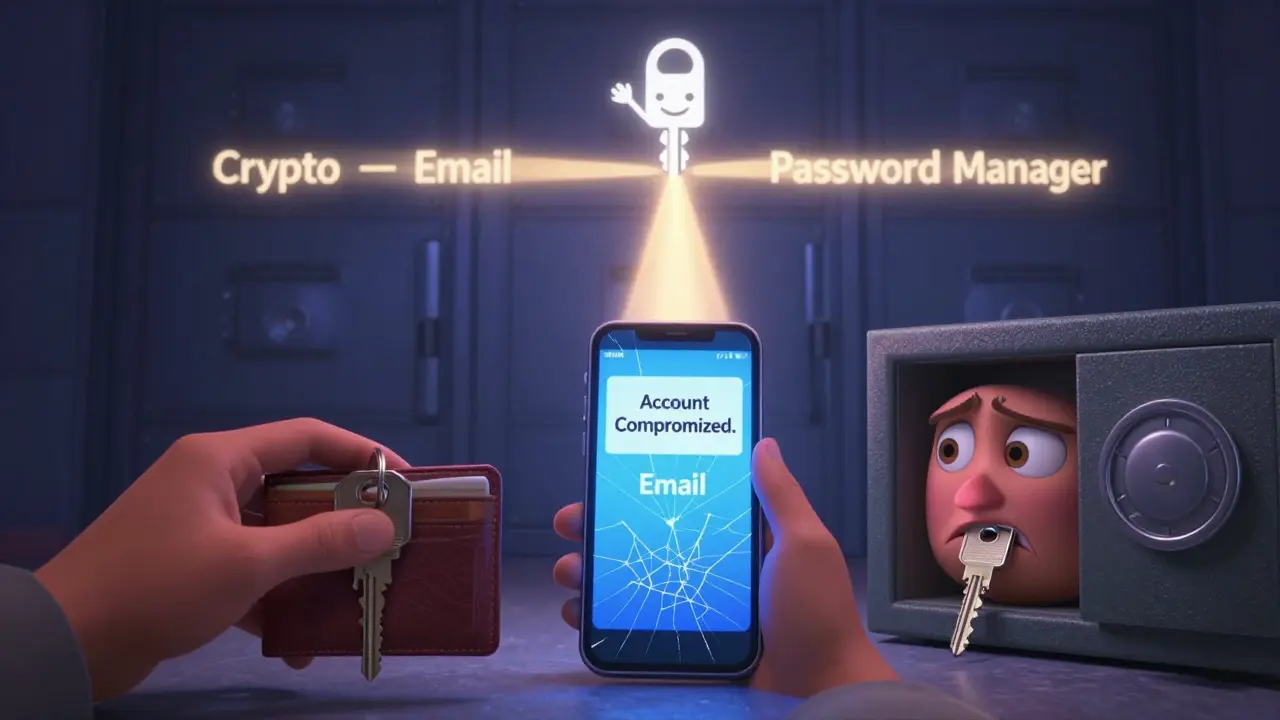
Many crypto wallets-like Ledger and Trezor-now let you pair a hardware key directly with your device. That’s the dream: a key that secures your wallet, your email, your exchange account, and your password manager-all with one device.
Final Thoughts
Hardware 2FA keys aren’t perfect. They cost money. You can lose them. They don’t work on every device. But they’re the only form of 2FA that can’t be hacked remotely. That’s why banks, governments, and top crypto traders use them.
Software authenticators are better than nothing. But if you’re using them as your only 2FA method, you’re still one bad phone update or phishing text away from disaster.
Security isn’t about being perfect. It’s about being smarter than the attacker. Hardware keys make you harder to hit. Software authenticators? They just make you harder to find.
Can I use a hardware 2FA key on my phone?
Yes, but only if your phone supports NFC or USB-C. Most modern Android phones work with NFC-based keys like YubiKey. iPhones can use keys via Lightning or USB-C adapters, but Apple’s built-in passkeys (Face ID) are often easier. Not all services support mobile hardware authentication yet, so check compatibility before buying.
What happens if I lose my hardware key?
If you set up backup methods-like a second key, recovery codes, or a software authenticator-you won’t be locked out. Always register at least two authentication methods. Never rely on a single key. Most services allow you to remove a lost key and add a new one through account recovery, but the process can take days. Prevention is better than recovery.
Are hardware keys better than SMS codes?
Absolutely. SMS is the weakest form of 2FA. Attackers can hijack your phone number through SIM swapping. Hardware keys can’t be intercepted remotely. They require physical possession and direct interaction. If you’re still using SMS, switch to a software authenticator immediately-and upgrade to a hardware key as soon as you can.
Do I need a hardware key for every account?
No. Start with your most critical accounts: crypto exchanges, email, password manager, and cloud storage. Once those are secured, expand to others. You can use one hardware key for multiple services. Most keys support dozens of accounts. You don’t need a separate key for each one.
Can malware steal my hardware key’s secret?
No. Hardware keys are designed to be tamper-resistant. The private key is generated and stored inside a secure chip that can’t be read or copied. Even if your computer is infected, the key only responds to legitimate login prompts. It doesn’t send data over USB-it signs challenges. Malware can’t fake that.
Is Authy safer than Google Authenticator?
Not really. Both use TOTP, so they’re equally vulnerable to device compromise. Authy offers cloud backup and multi-device sync, which is convenient but increases your attack surface. Google Authenticator doesn’t sync, so if you lose your phone, you lose access-unless you have backup codes. For maximum security, avoid cloud backups entirely. Stick to offline TOTP or switch to hardware.
Do hardware keys work with Bitcoin wallets?
Yes, many hardware wallets like Ledger and Trezor now support U2F/WebAuthn for login to their companion apps. Some exchanges like Coinbase and Kraken also allow hardware keys for account login. Always check your wallet or exchange’s security settings. If they support it, enable it. It’s one of the best ways to prevent account takeovers.


Write a comment